UP TO
100Mbps*
12 Months₹399/mo*
6 Months₹424/mo*
3 Months₹499/mo*
Starting at ₹399/mo* · FREE Router · Same Day Installation



 * T&C Apply
Unlimited data plans designed for homes, creators and growing teams.
Starting at ₹399/mo* · FREE Router · Same Day Installation
Starting at ₹449/mo* · FREE Router · Same Day Installation
Starting at ₹499/mo* · FREE Router · Same Day Installation
*Taxes and installation terms may apply. Final availability depends on your area.
This offer is available only for new connections.
Whether it is a 4K movie night, an important client call or an online class, IBN24 keeps every device moving.
Stable performance at peak hours.
Strong coverage across your home.
A network you can count on.
Fast support from a local team.
Ek broadband connection, popular OTT apps aur ek simple monthly bill. Mobile, TV aur laptop par apna favourite content dekhiye.
Available with eligible IBN24 fiber plans. Select a pack to see what is included.
*Broadband plan charges and taxes are additional.
From fiber to your screen — broadband explained simply.
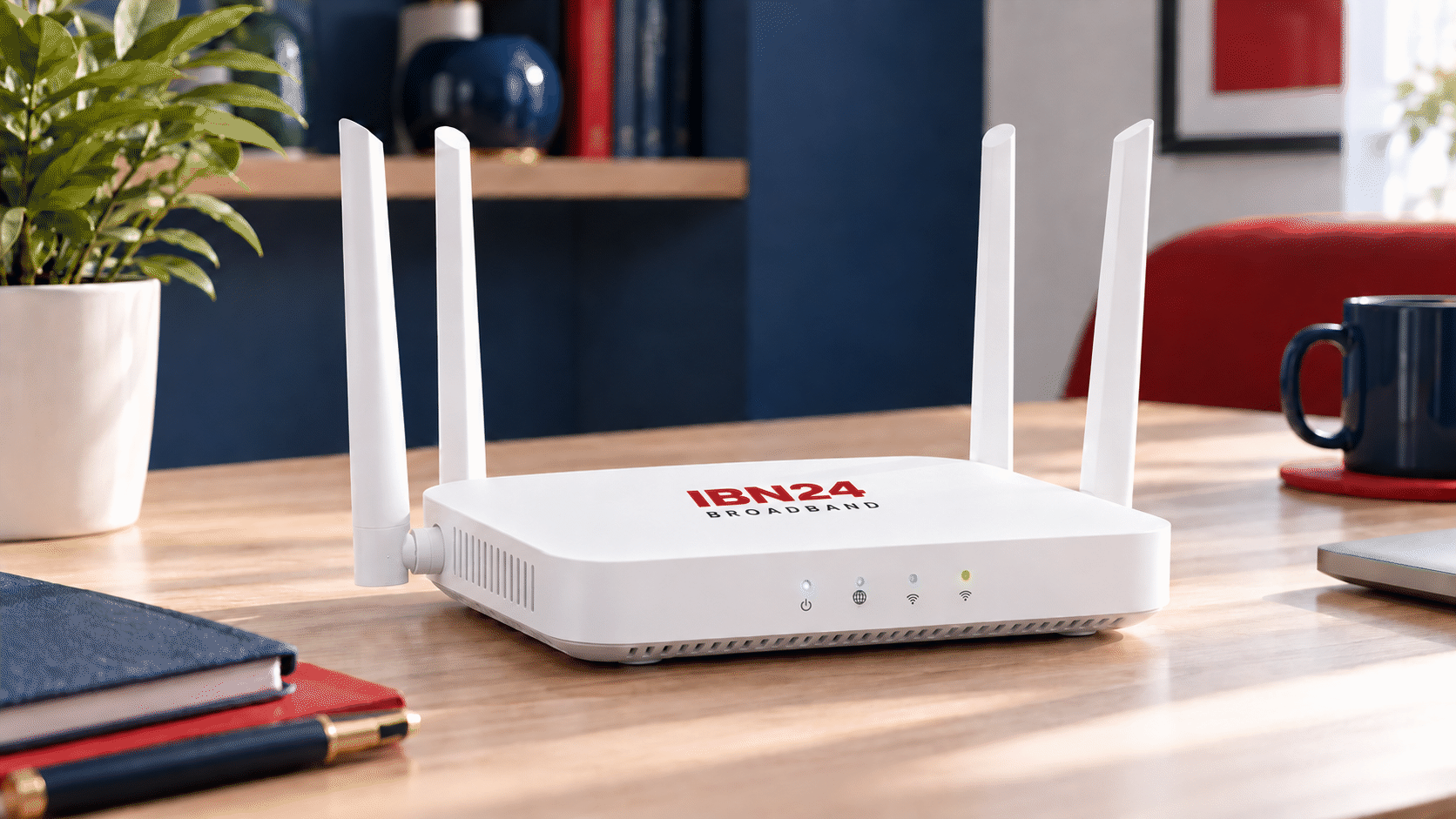
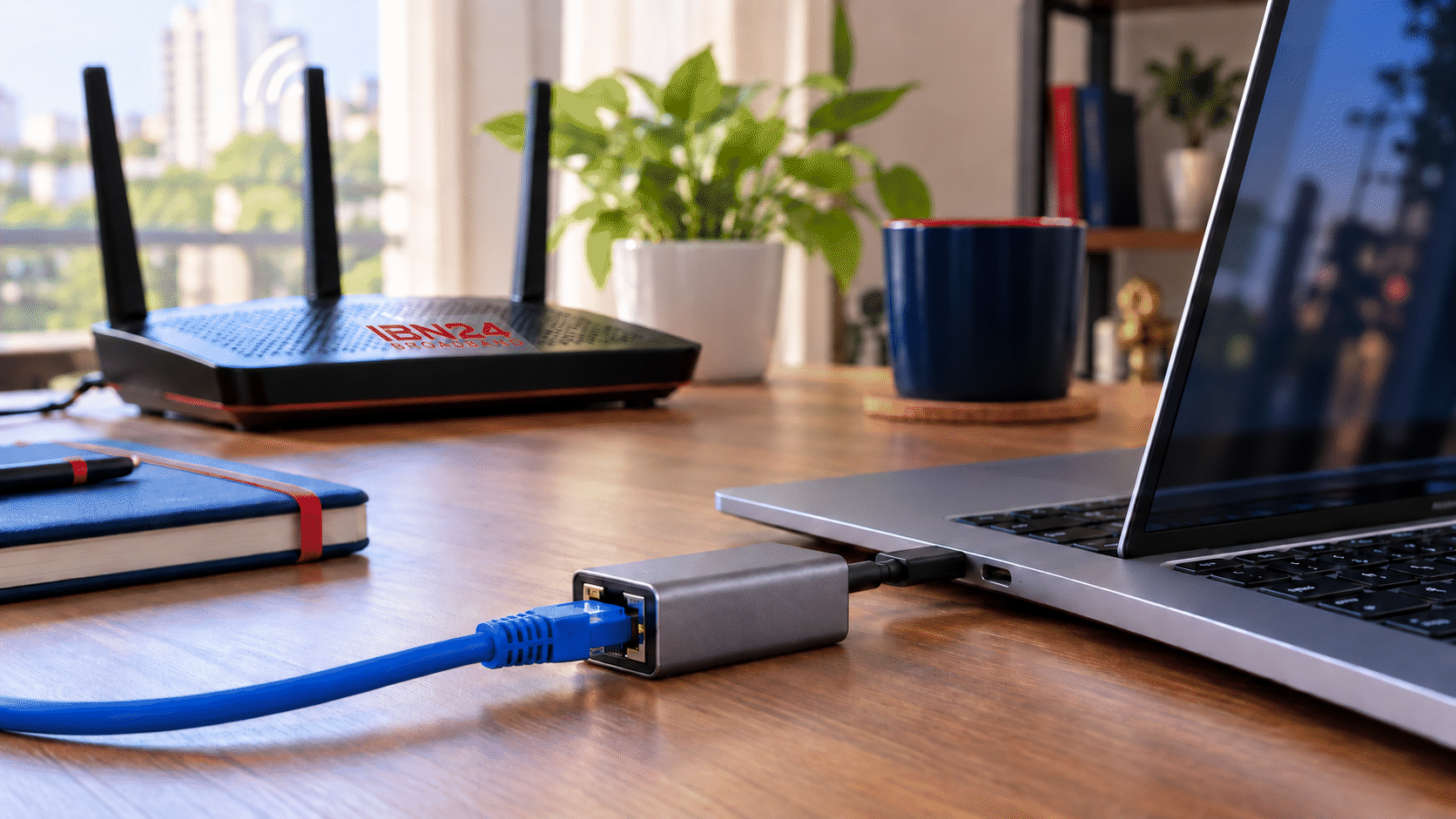

Illustrative photos. Equipment and home setup may vary.
The broadband line brings internet to your home.
Your equipment connects the fiber line to your home network.
Connect phones and laptops over Wi-Fi, or use Ethernet for a wired connection.
8 megabits = 1 megabyte. A 100 Mbps connection has an ideal transfer rate of 12.5 MB per second.
Your plan sets the internet connection speed. Router placement, walls, distance and device capability affect what you experience over Wi-Fi.
Pause downloads on other devices and test close to the router. Compare with an Ethernet test using compatible equipment to help identify a Wi-Fi issue.
Read Wi-Fi TipsSmall changes that can improve everyday coverage and performance.
Place it centrally, raised and in the open. Avoid closed cupboards, the floor and hiding it behind a TV.
2.4 GHz generally reaches farther. 5 GHz can deliver higher speeds at shorter distances. Your router and device must support the band.
Keep the router away from microwaves, large metal objects and other sources of interference. Thick walls can weaken the signal.
A compatible wired connection is useful for a desktop, gaming or important video calls, especially where Wi-Fi is weak.
Use a strong, unique Wi-Fi password. Use WPA2 or WPA3 if supported, and keep your router firmware updated using the manufacturer's guidance.
Compare performance near the router and in the affected room. Contact support before buying an extender or mesh system.
Compare with another device in the same location. Reconnect the affected device and check its updates and background downloads.
Try moving the router to a more central, open location. Check both bands if available. Share your home layout with support for coverage advice.
Check power and cable connections. Note the ONT/router indicator lights and contact IBN24. Do not factory-reset equipment unless support asks you to.
Technical reading: Intel Wi-Fi bands guide · TP-Link router placement guide
Interested in broadband, customer service or field operations? Tell us about your skills and the team you would like to join.
Help customers understand broadband plans, follow up on enquiries and support new connection bookings.
Work on fiber installation, Wi-Fi setup, connection troubleshooting and customer support in the field.
Support payment records, billing, renewal follow-ups and accurate day-to-day customer accounts.
Fill in your details and upload your CV. Your application goes directly to the IBN24 team.
Helpful information and customer services in one place.
Know more about IBN24 and our fiber network.
Partner with IBN24 to expand reliable broadband.
Check service availability in your area.
Internet tips, guides and broadband updates.
Call +91 92131 94517 for sales and support.
Quickly find every important IBN24 page.
Share your address and our team will confirm availability.